



Making Keele your home and supporting you
Halls are more than just a place to live, they’re where your Keele community comes to life. Residence Life is here to help you make the most of it - connecting you with your community, filling your calendar with fun events, and offering friendly support whenever you need it.

Meet the team
The Residence Life team is here to support you throughout your time with us. Interested in joining the Resident Adviser team? Get in touch - we’d love to hear from you. You can also book a virtual appointment to chat with a member of our team via Microsoft Teams.
Find out moreBook a Virtual Appointment
Got something on your mind about life in halls? Our Residence Life Managers are here to help. Book a virtual appointment on Teams to talk things through - big or small, we’re here to support you and help make your halls experience the best it can be.
Accommodation
Find out more on our halls of residence, fees and how you can apply to live on campus.
Find out moreThe SafeZone App
Your safety reassurance 24/7.
Find out moreOut of hours support
Confidential support for all Keele students, including Spectrum.Life, Residence Life Managers, Campus Safety, and guidance on what to do in an emergency.
Find out moreAdvice and guidance
Support with aspects of communal living.
Find out more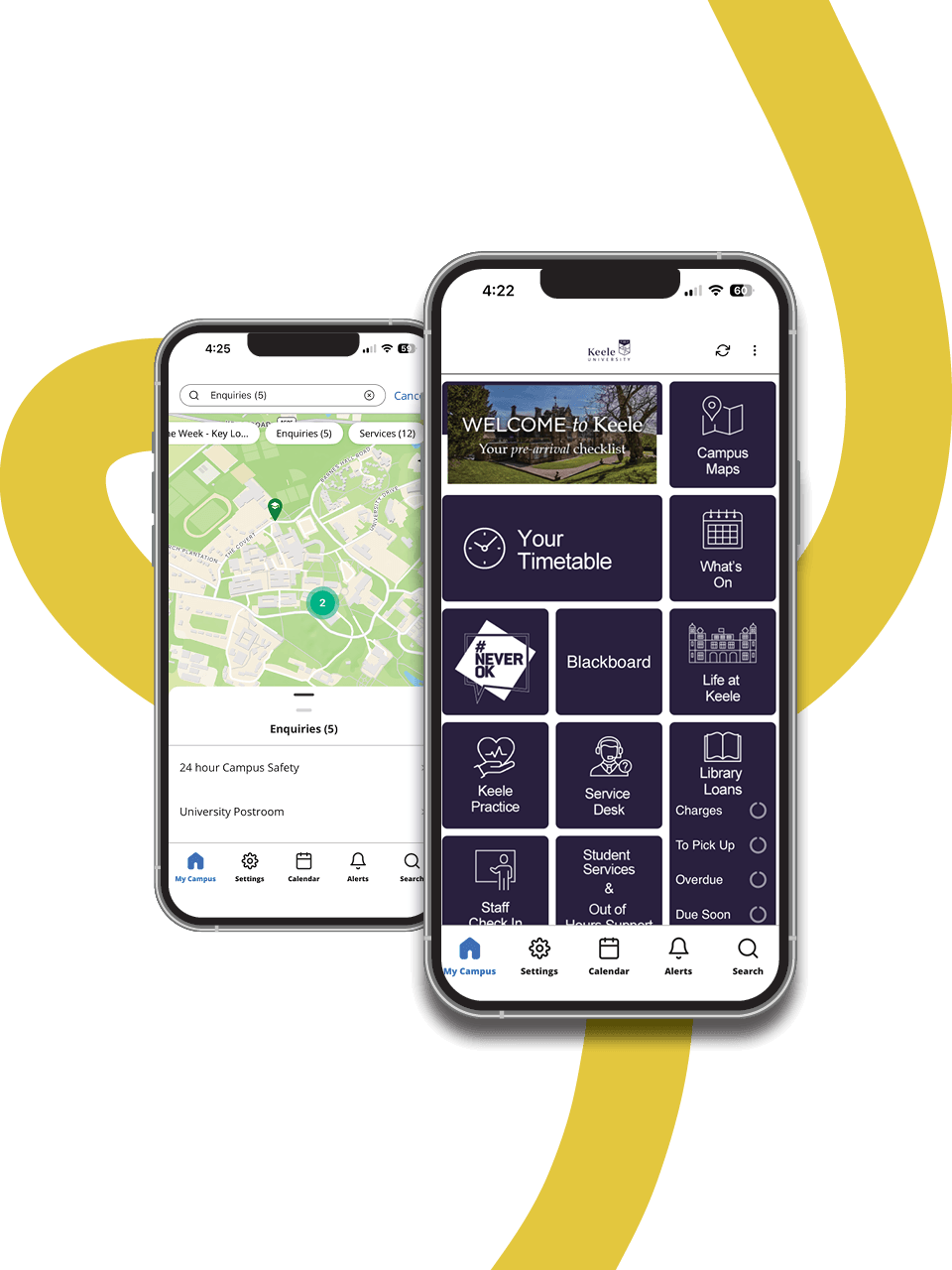
Events and activities
Discover what’s happening in your halls and across the University, Students’ Union and KPA. Whether it’s social events, trips, wellbeing activities or skills workshops, the app helps you find events, book your spot, and stay connected with campus life.


Maintenance and repairs
Report issues quickly so we can fix them as soon as possible.
If you spot that something in your flat is broken, or isn't working as it should, please log this via Service Desk - the sooner the team know about it, the sooner they can fix it.
- Open the Keele App and go to ‘Service Desk’
- Choose the ‘Campus’ tile
- Choose the 'Accommodation' tile
- Choose the ‘Student Accommodation’ tile
- Choose 'Report a buildings maintenance issue’ & select the type of issue you choose to report
- Complete and submit the form
See some further info about target wait times and how to request an update on the ‘Report a Fault’ webpages.