

New VLeBooks App
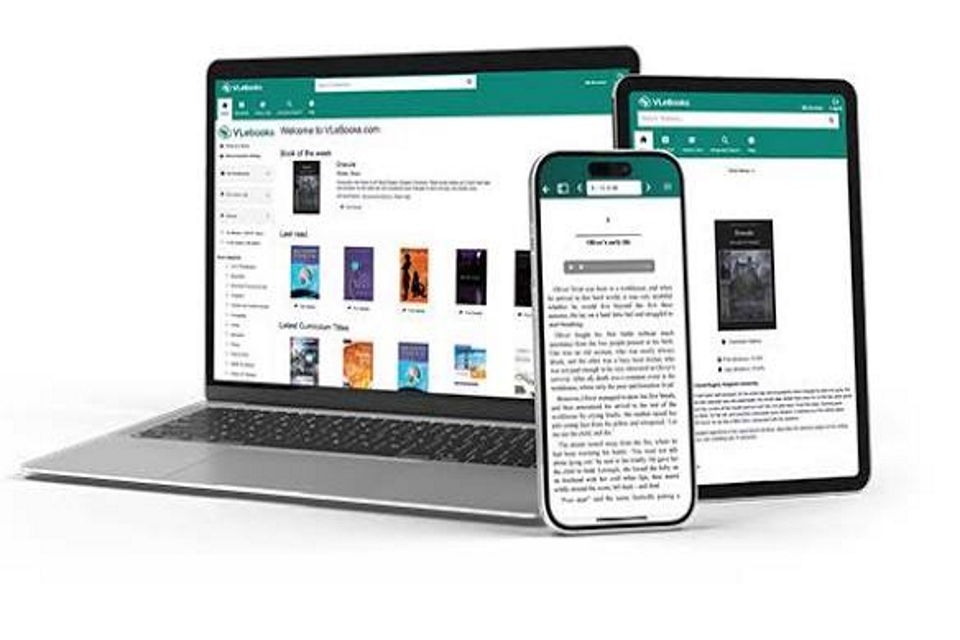
Introducing the VLeBooks app!
The VLeBooks app is a new, dedicated mobile and desktop app designed for reading downloaded ebooks from the VLeBooks Platform. It replaces Adobe Digital Editions as the primary offline reading solution and offers a wide range of features to all users. The app supports both EPUB and PDF formats, offers accessibility features to make reading even easier, and is available on Windows, MacOS, iOS, and Android.
Users will be able to register up to 6 device(s), using the app after signing into the VLeBooks Platform. After signing into the platform, click on 'My Account' in the top right-hand corner of the screen and find the 'VLeBooks App' tab, and click on 'Generate New Access Code'. In the app, click 'Continue with Access Code', type the access code generated into the app and press the 'Sign In to your Institution' button. A new access code will need to be generated for each device registered.
The app supports notes, bookmarks, and highlights with notes and annotations syncing automatically across all users' devices when reconnected to the internet, as well as allowing users to change fonts, colours, line spacing and much more.
The app can be downloaded and installed on your preferred platform from the App Store, Google Play, or from here for MacOS and Windows. There's a handy user walkthrough guide and an app user guide too!