How to connect to eduroam on iOS
When using an iPhone or iPad.
1. Click Settings.

2. Click Wi-Fi and make sure your Wi-Fi is on.
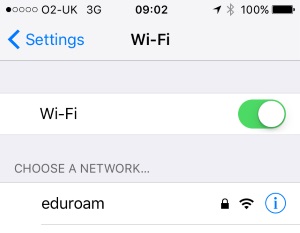
3. From the list of available networks, select eduroam.
4. In Username, enter your Keele email address.
5. In Password, enter your Keele IT password.
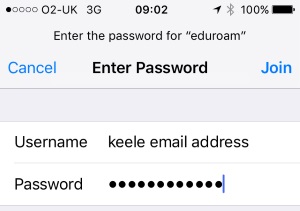
6. Click Join.
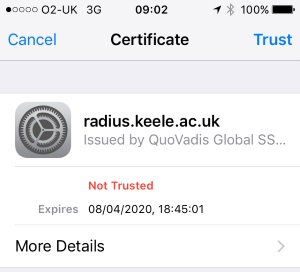
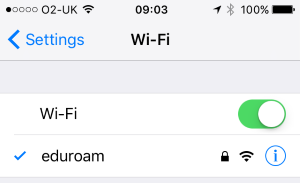
7. You may be asked to accept the Radius Server Certificate. If so, click Trust. You should now be connected and a "tick" symbol should appear next to "eduroam".
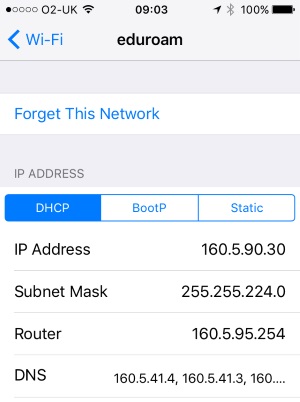
Please note: If you are connecting on the Keele University campus, your IP address will start with 160.5, as shown below: